If you’ve ever had to fix metadata across thousands of DICOM files, you know how tedious it gets. Doing it one file at a time is out of the question. The good news is there are ways to automate this with a few lines of code, and you don’t need to be a software engineer to pull it off.
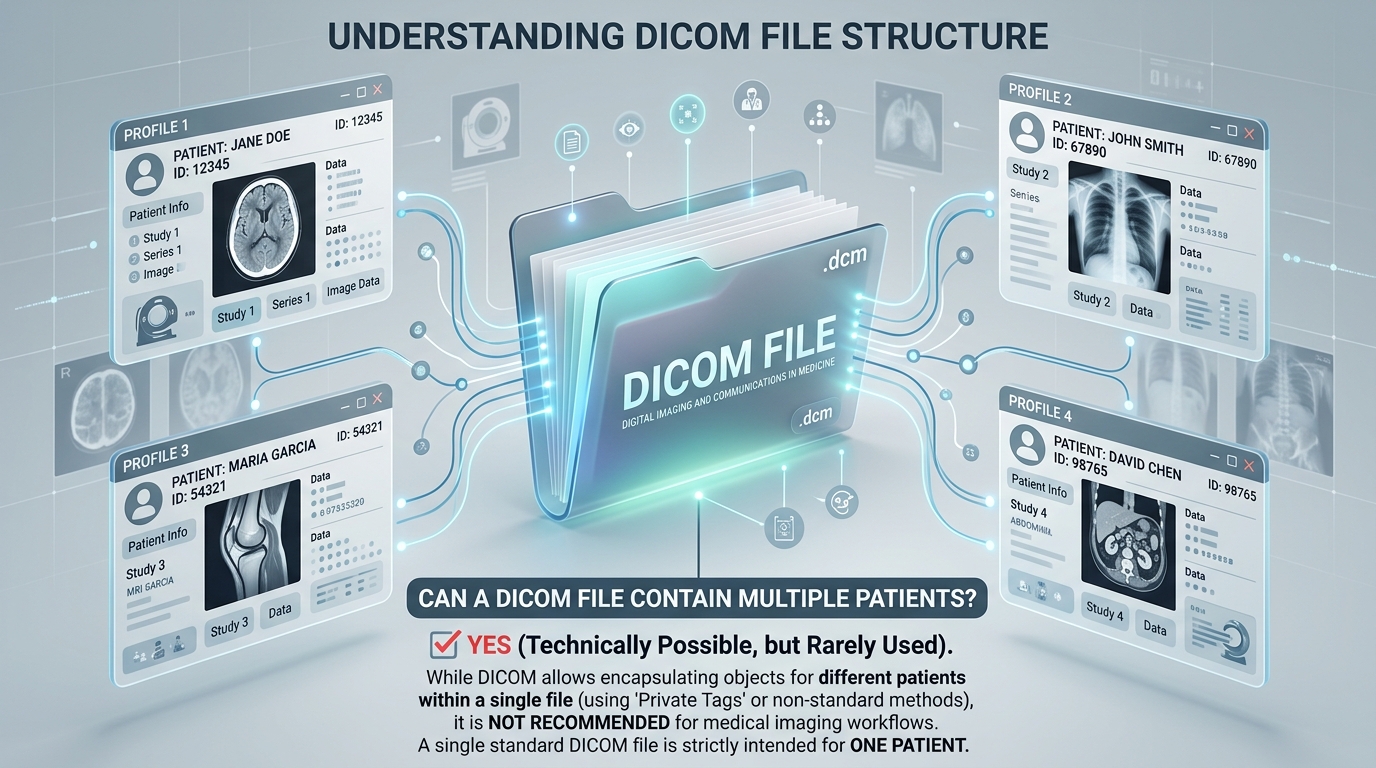
Before we get into the fix, it’s worth knowing a bit about DICOM files themselves. People often ask can DICOM file contain multiple patients, and the answer matters for how you organize and process your data at scale.
Now, back to the problem. Say you have 250,000-plus DICOM files where the Content Date field doesn’t match the Acquisition Date field. You need them to match. Here’s how to do it without losing your mind.
The fastest solution: Python with pydicom
Python is the go-to for this kind of bulk DICOM editing, and the pydicom library makes it straightforward.
The script below goes through every .dcm file in a directory, reads the Acquisition Date, and writes it to the Content Date field. Then it saves the file.
import os
import pydicom
def update_content_date(dicom_file_path):
ds = pydicom.dcmread(dicom_file_path)
if ‘AcquisitionDate’ in ds:
ds.ContentDate = ds.AcquisitionDate
else:
print(f”Acquisition Date not present in {dicom_file_path}. Skipping…”)
ds.save_as(dicom_file_path)
print(f”Updated Content Date in {dicom_file_path}”)
def batch_update_content_date(directory_path):
for filename in os.listdir(directory_path):
if filename.endswith(“.dcm”):
file_path = os.path.join(directory_path, filename)
update_content_date(file_path)
dicom_directory = “/path/to/your/dicom/files”
batch_update_content_date(dicom_directory)
That’s under 30 lines. It works on any directory size, whether you have 50 files or 257,000.
A few things to note before you run it:
- Replace /path/to/your/dicom/files with your actual folder path
- The script skips any file that doesn’t have an Acquisition Date and prints a warning
- It overwrites the original files, so make a backup first
What if a file doesn’t have an Acquisition Date?
The script handles this already. It checks for the AcquisitionDate tag before doing anything. If it’s missing, the file gets skipped, and you see a message in the console telling you which file was skipped.
You can collect those skipped file paths and review them separately if needed.
Alternative: MATLAB with the Medical Imaging Toolbox
If you’re working in a MATLAB environment, you can use the updateAttribute function from the Medical Imaging Toolbox to do the same thing.
The MATLAB documentation has the reference here: dicomfile.updateattribute
A couple of requirements to keep in mind:
- You need MATLAB 2023b or newer
- The Medical Imaging Toolbox must be installed
It’s a valid option if your workflow already runs in MATLAB, but Python with pydicom is quicker to set up for most people.

Which option should you use?
It depends on what you already have installed.
- Python + pydicom: Free, lightweight, works on any OS, no special toolbox needed. Good for most workflows.
- MATLAB + Medical Imaging Toolbox: Better if you’re already doing other imaging work in MATLAB. More setup required.
For a one-time batch fix across a large set of files, Python is the simpler path.
FAQ
Yes. The script above only looks at one directory level. To handle subdirectories, replace os.listdir with os.walk, which automatically recurses through nested folders.
By default, the script only processes files ending in .dcm. If your files use a different extension or no extension at all, you can remove the .endswith(“.dcm”) check and let it try to read every file in the folder. You’ll want error handling around the pydicom.dcmread call in that case.
The script writes back to the same file path. If something goes wrong mid-process, a file could get corrupted. Back up the entire directory before running any batch edit script on medical imaging data.
Yes. The same logic applies to any two fields. Replace AcquisitionDate and ContentDate with whichever tags you need to sync. The pydicom documentation lists all standard DICOM attribute names.
Pydicom reads most standard DICOM files without any extra setup. Some compressed transfer syntaxes (such as JPEG 2000) require additional libraries, such as pylibjpeg or gdcm. If a file fails to load, the error message usually tells you what’s missing.
Yes. There are DICOM libraries available for C# that let you read and write DICOM attributes in a similar way. The logic is the same: read the file, copy one field value to another, save. Python tends to be quicker for one-off scripts, but C# is a solid choice if you’re building this into a larger application.